

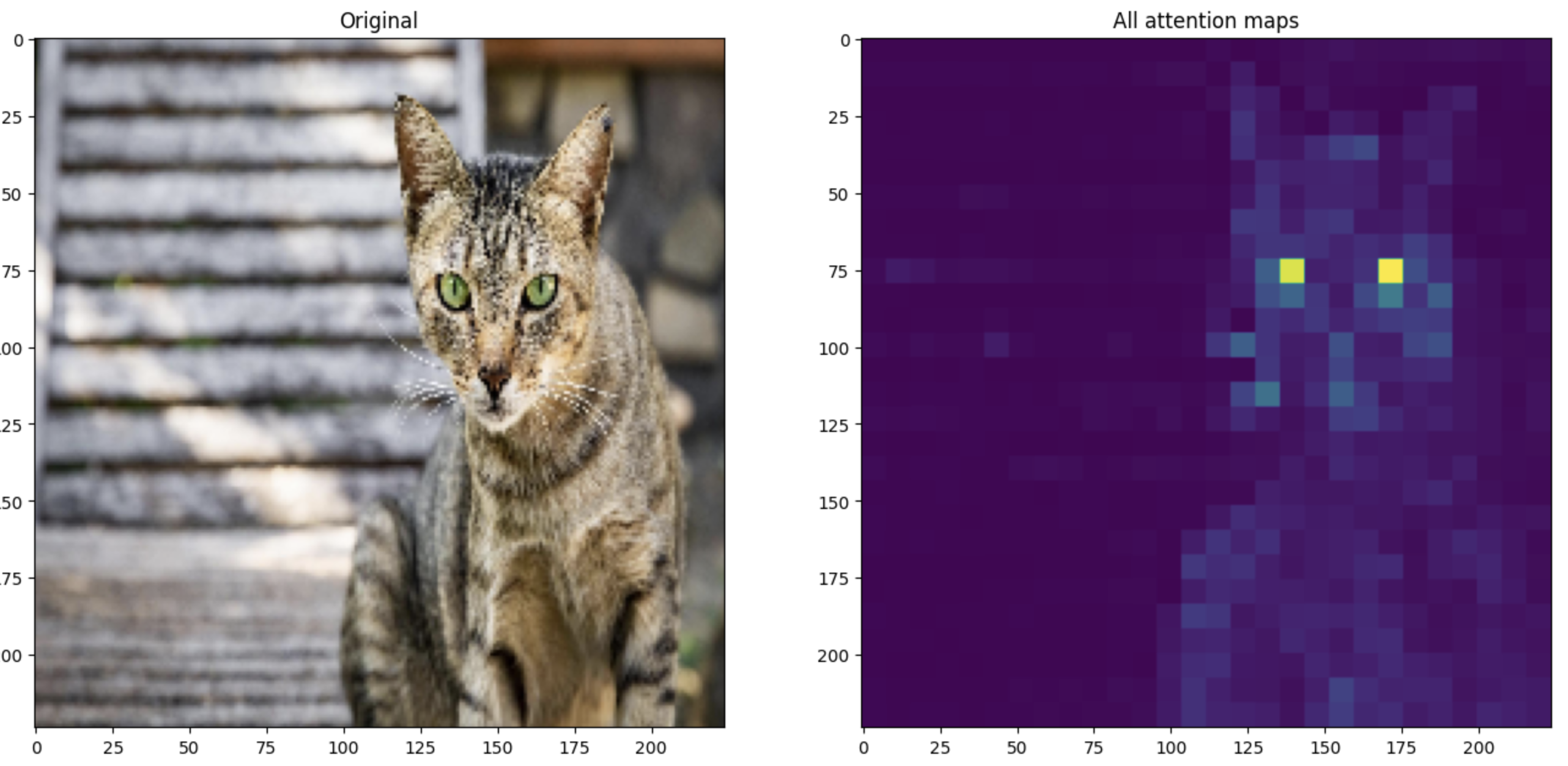
Instructions to use mlx-vision/vit_small_patch16_224.dino-mlxim with libraries, inference providers, notebooks, and local apps. Follow these links to get started.
- Libraries
- mlx-image
How to use mlx-vision/vit_small_patch16_224.dino-mlxim with mlx-image:
from mlxim.model import create_model model = create_model(mlx-vision/vit_small_patch16_224.dino-mlxim)
- MLX
How to use mlx-vision/vit_small_patch16_224.dino-mlxim with MLX:
# Download the model from the Hub pip install huggingface_hub[hf_xet] huggingface-cli download --local-dir vit_small_patch16_224.dino-mlxim mlx-vision/vit_small_patch16_224.dino-mlxim
- Notebooks
- Google Colab
- Kaggle
- Local Apps Settings
- LM Studio
- Atomic Chat

- Xet hash:
- ec2131da8467d8b66d8d625e71ab353840fc02c7b1a015781733025bb498e211
- Size of remote file:
- 2 MB
- SHA256:
- f1c0da60068ade915b75a61017adaf4fc6ebf493112b4ffc9ce7c0787177a391
·
Xet efficiently stores Large Files inside Git, intelligently splitting files into unique chunks and accelerating uploads and downloads. More info.