
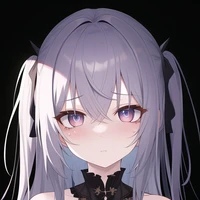

FurryDiffusion is a model made to generate furry art, this model is very much in beta still and will keep improoving! To use this please make sure to include furry in your prompt and to make a specific breed add the breed name only.
Example Prompts:
Positive: highres, furry, fox, orange fur, blue eyes
Negative: lowres, bad anatomy, bad hands, text, error, missing fingers, extra digit, fewer digits, cropped, worst quality, low quality, normal quality, blurry
Test the concept via A1111 Colab fast-Colab-A1111
Or you can run your new concept via diffusers Colab Notebook for Inference
NOTE: Its better to run it in Google Colab since you can use google's powerful gpu's for free. Go ahead try it now!
- Downloads last month
- 81